
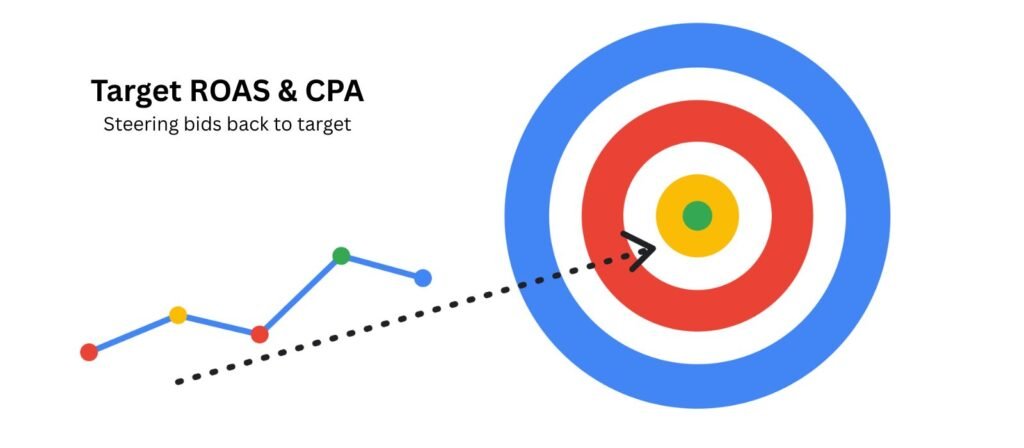
From 17 August 2026, Google Ads stopped letting budget-limited Target CPA and Target ROAS campaigns quietly outperform their stated targets. Campaigns that have been beating their goals for months will now drift back toward the number you actually typed in, which means costs can rise even though nothing in your account has been touched. This article walks through why Google made the change, which campaigns are at risk, and the exact steps to audit and protect your budgets before performance shifts.
Why Google made this change
Smart Bidding has always aimed to hit your Target CPA or Target ROAS on average, while spending your full budget. In practice, budget-limited campaigns often did better than their stated target — a £10 Target CPA campaign quietly delivering £5 conversions, for example. That gap felt like a win, but Google has described it as an inconsistency: the same target producing very different real-world outcomes depending on how constrained the budget was. The August update closes that gap by making budget-limited campaigns behave more like their stated target, whether or not you touch anything.
Google has been explicit about two things it is not doing: it isn’t changing your budgets, and it isn’t changing your targets. It’s only changing how tightly the bidding system holds to the target already on file.
Who is affected
The change applies to Search, Shopping, Performance Max, Demand Gen and Travel campaigns run in Google Ads or Search Ads 360, using Target CPA, Target ROAS, or Target CPC for Demand Gen. It only touches campaigns marked “Limited by budget” — if your campaign isn’t budget-constrained, this update has no effect on it.
The campaigns most exposed are the quiet over-achievers: brand campaigns, high-converting evergreen product lines, or anything that’s been running the same target for a long time without review. These are exactly the campaigns marketing teams are least likely to be actively monitoring, because they’ve never caused a problem.
What actually happens on the day
Nothing changes automatically in terms of spend or targets — Google has confirmed budgets and targets stay exactly as set. What changes is how the bidding algorithm behaves inside those existing numbers. A campaign that’s been averaging a £20 CPA against a stated £35 target will, over time, start drifting up toward that £35 figure, spending the same budget on fewer or costlier conversions rather than continuing to overdeliver.
Google recommends treating forecasts with caution in the first two weeks after the change, since bidding systems typically need a short relearning period to settle into new behaviour.
The audit: five steps before you touch anything
- Pull 90 days of actual vs. target performance for every campaign using Target CPA or Target ROAS, filtered to those marked “Limited by budget.” This is the exposure list.
- Rank by gap size. A campaign averaging half its target CPA is far more exposed than one running 10% under. Prioritise the biggest gaps first.
- Decide, per campaign, whether the current actual number or the stated target is the real goal. If a campaign has been running at £5 CPA against a £10 target and £5 is genuinely the number the business needs, lower the target to match — don’t leave the old number sitting there as a ticking clock.
- Use the Bid Target Adjustment Tool (available in-account since 6 July 2026) to review the recommended target resets Google is surfacing, but leave “Apply Changes” unchecked until a human has signed off — the tool suggests, it doesn’t decide.
- Document what you changed and why, then monitor closely for the first two to four weeks after any adjustment. A drastic target change can send a campaign back into a fresh learning phase, so make changes proportional rather than resetting everything to round numbers.
What not to do
Don’t panic-loosen every target the moment you see a gap. Some campaigns have been overperforming because the target genuinely was set too conservatively — tightening the target to match is the right call, not a workaround to avoid. Equally, don’t apply blanket data exclusions or bid caps purely as a reaction to this change; Google has specifically flagged this as unhelpful, since it fights the bidding system rather than working with it.
Reporting the change upward
If you manage a budget that reports into leadership, the clearest way to frame this is as a predictability change, not a performance change. CPA or ROAS numbers that have been unusually good may simply return to the number that was always the agreed target. Framing it this way — “we’re not underperforming, we’re now hitting the number we set” — is both accurate and considerably easier to explain in a board update than a sudden, unexplained cost increase.
No. Google has confirmed budgets are not affected automatically. What changes is how bidding behaves within your existing budget — you may see fewer conversions or a higher cost per conversion at the same spend level, but the budget itself doesn’t move unless you change it.
Check the “Limited by budget” status on any campaign running Target CPA or Target ROAS, then compare actual performance against the stated target over the last 90 days. A large, sustained gap between actual and target is the clearest warning sign.
It’s an in-account tool, live since 6 July 2026, that surfaces recommended target changes based on your campaign’s recent performance. It’s optional — Google won’t apply any suggested changes without manual approval — but it’s the fastest way to review exposure across a large account.
You can, but be aware that “doing nothing” is itself a decision with consequences — campaigns that have been quietly overperforming may see costs drift upward without any warning beyond the account notification. Reviewing beforehand gives you the choice; not reviewing removes it.
No. This update only affects target-based strategies — Target CPA, Target ROAS, and Target CPC for Demand Gen — that are also budget-limited. Volume-based strategies without a set target are unaffected.